Example to-do
Pick up the
prescription.
About 15 minutes · Pharmacy
A task, its estimate, and any optional notes, due date, or place you choose to include.
They review it. They add their own copy.
One planner. More of your life.
Plan shifts. Estimate pay. Send to-dos and shifts. Get reminded near the places that matter. Bring it all together with Daywright.
For iPhone & iPad. Start with Free. Go further with Plus.
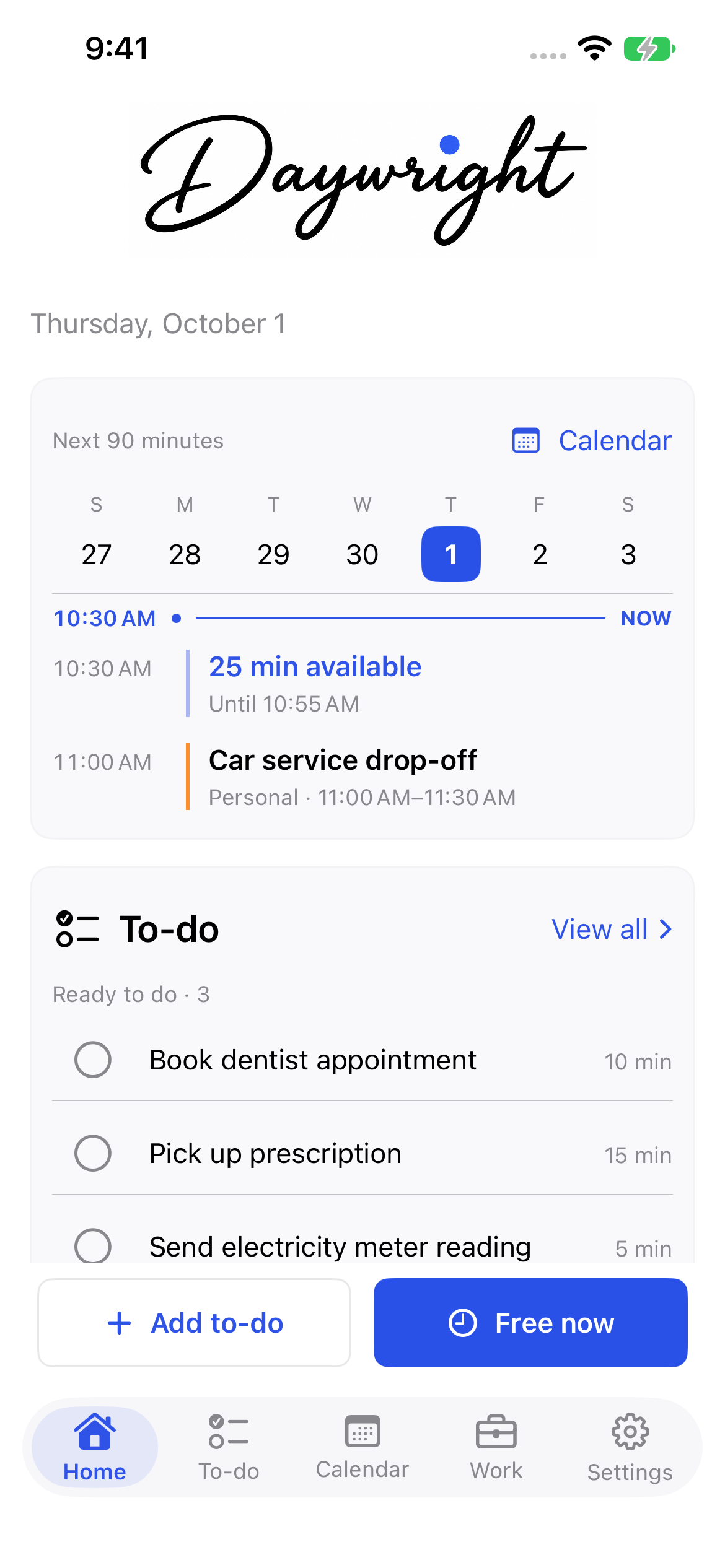
Swipe into your day
Swipe to explore
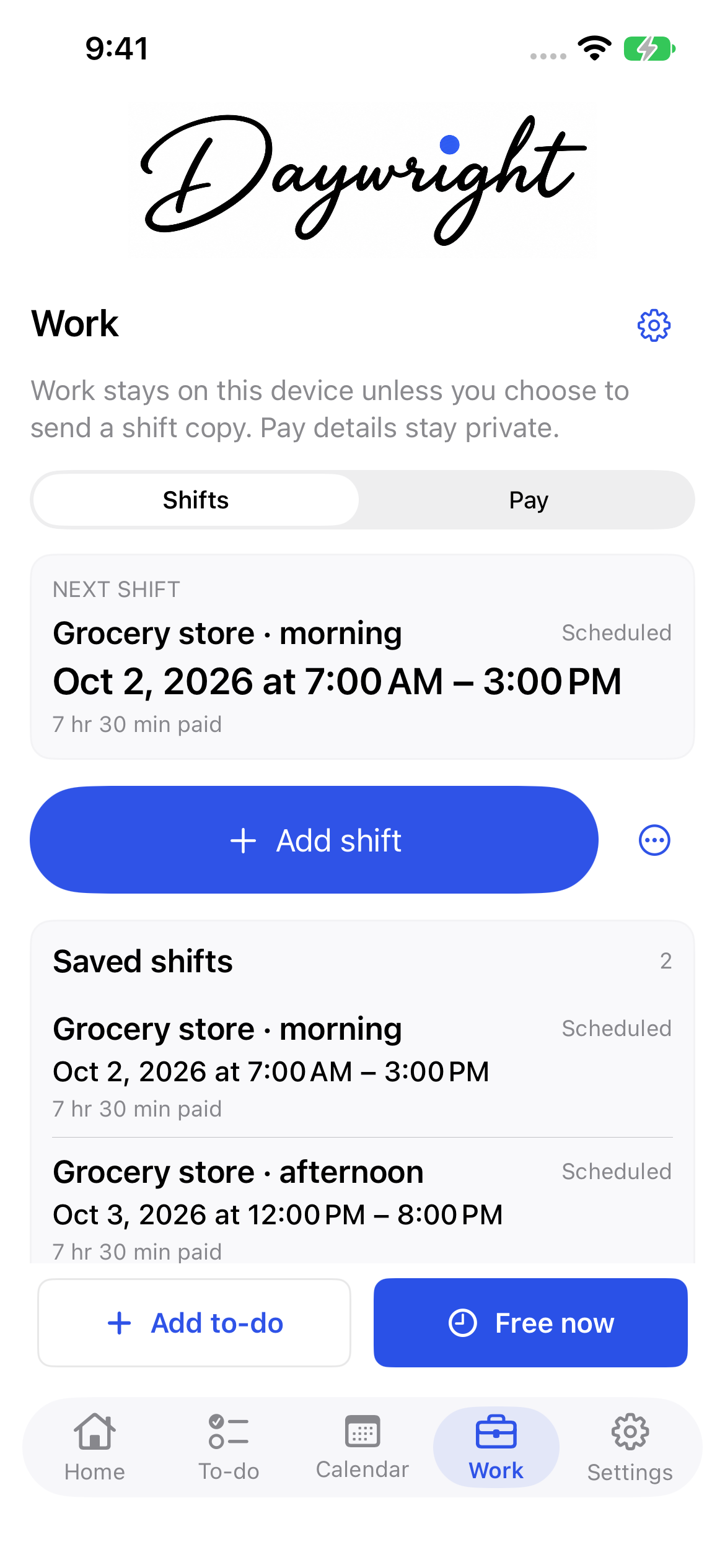
01 / Shifts, hours & pay
Early starts. Late finishes. A week that changes. Keep your work shifts alongside your calendar and the rest of your life.
Add shifts with Free. With Plus, build shift templates and rotations, record actual hours, and estimate gross pay from your rates and overtime rules.
Templates, rotations, actual hours, and pay inputs use Plus. Pay figures are personal estimates, not payroll or take-home pay.
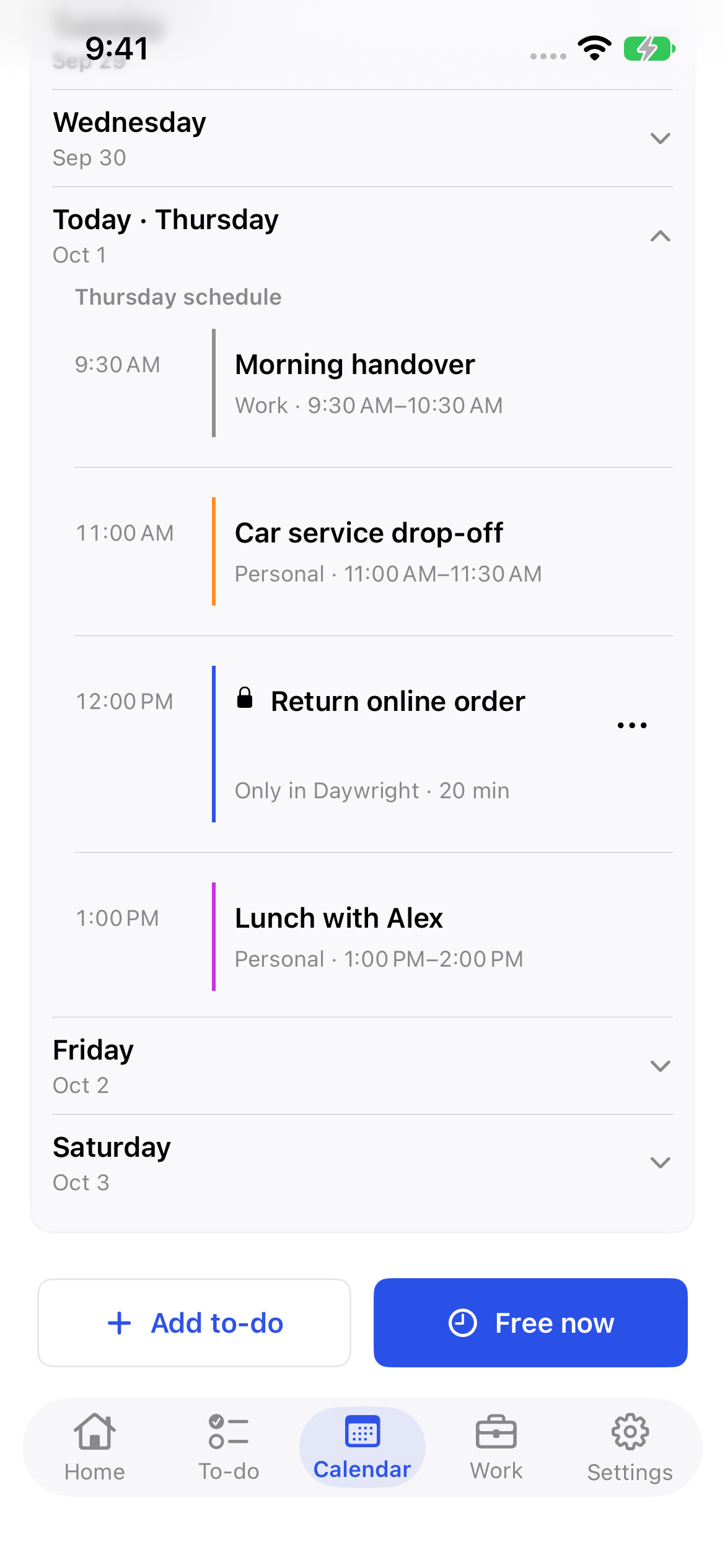
04 / Planning & progress
Fifteen minutes before work? A gap between appointments? With Plus, Free now helps you find a to-do that fits. You decide what gets scheduled.
Plus progress and waiting tools save what you did, what’s left, and what you’re waiting on. Come back to the context, instead of starting again.
Start small. Make it yours.
Five active personal to-dos, manual scheduling, repeats, reminders, manual shifts, and widgets. Receive to-do and shift copies for free. No subscription needed.
Unlimited active personal to-dos, shift templates and rotations, actual hours and pay inputs, sending to-dos and shifts, Nearby reminders, time-fit planning, and progress tools.
Monthly and annual options. Prices and any eligible trial are shown in the app before you confirm.
Something to do. Time to do it.
From your next shift to your next small win.
For iPhone & iPad, iOS 17 or later. Android is in development.